10.1. はじめ方
Eventide Control をダウンロードしてインストールしてください。
Eventide Controlを初めて開く際は、Eventideアカウントにサインインする必要があります。エラーを避けるため、サインインの際はメールアドレスでは「なく」、必ずEventideのユーザー名を使用してください。一度サインインすると、ログアウトを選択するまでEventideアカウントにサインインしたままになります。
付属のUSB-CケーブルでH9をコンピューターに接続し、右上にある「Add Device」ボタンをクリックしてください。
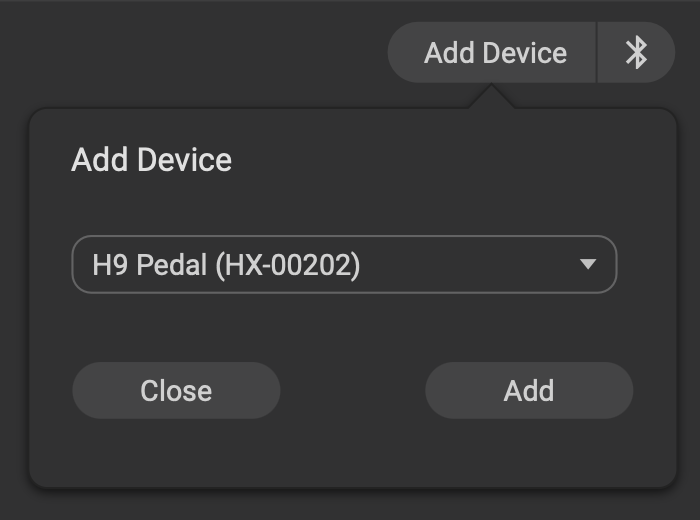
図 10.2 ドロップダウンメニューからデバイスを選択します。
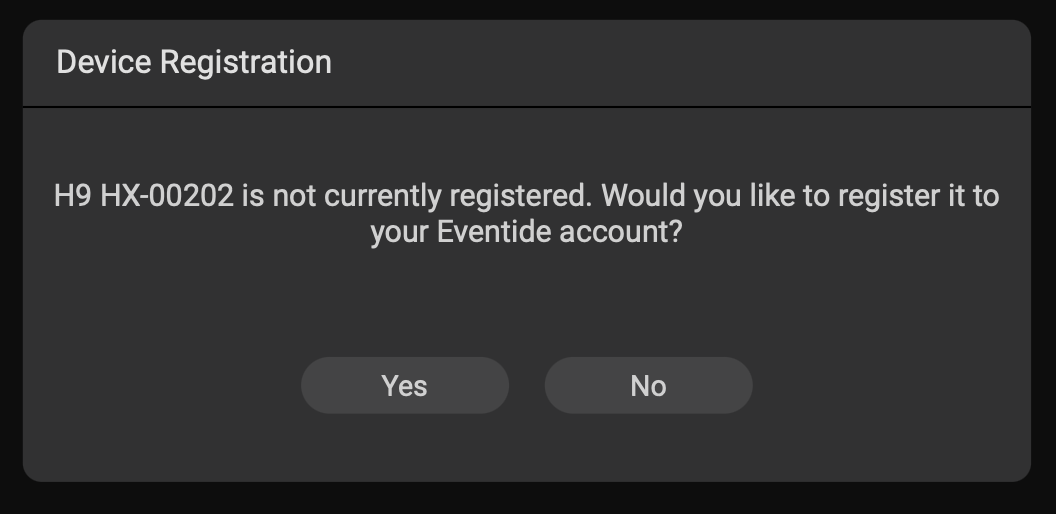
デバイスがまだEventideアカウントに登録されていない場合、アプリ内で登録するよう案内が表示されます。
10.1.1. 接続
Eventide Controlは、以下の2つの方法でデバイスに接続できます:
すべてのデバイスは、付属のUSBケーブルを使用してUSB経由で接続できます。
H90およびH9は、Bluetoothを使用してワイヤレスで接続することもできます。手順とトラブルシューティングについては、ユーザーマニュアルの Bluetooth セクションをご参照ください。
警告
Eventide Controlへの接続には、付属のUSBケーブル、またはUSB-C仕様に準拠したUSBケーブルのみを使用することをお勧めします。準拠していないケーブルを使用すると、深刻なパフォーマンスの問題が発生したり、デバイスが損傷したりする恐れがあります。