8. Software Updates
We recommend that you keep your H9’s software up-to-date. All of your updates will be done using the Eventide Control application, which will notify you whenever a new update is available.
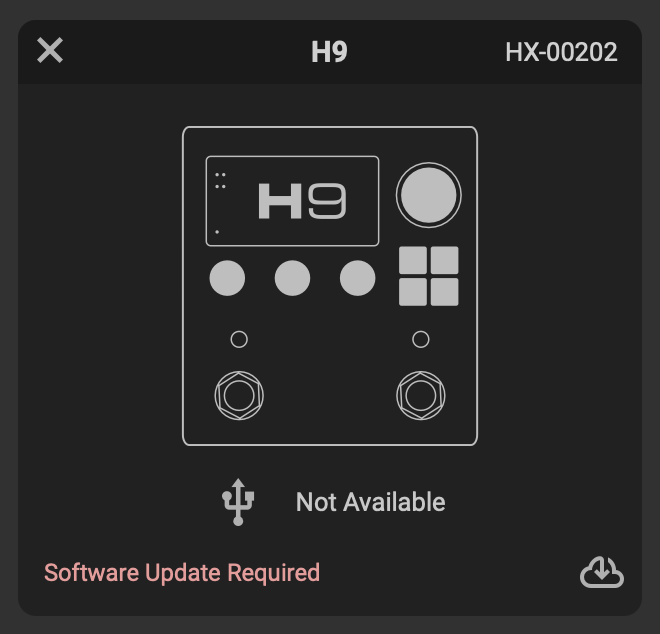
Fig. 8.1 You will be notified when an update is required. Click the cloud icon to update your H9’s software.
To update your H9’s software:
Download and install Eventide Control
Power on your H9 and connect it to your computer via the supplied USB-C.
Open Eventide Control, click “Add Device” in the top right corner, and select “H9 Pedal”.
If your computer is connected to the internet and your H9’s software is not up to date, you will be prompted to update the software.
Follow the on-screen instructions to update.
Warning
Do not unplug the power supply of your H9 during the update process. The H9’s screen will display a connection icon to indicate that the update is in progress.
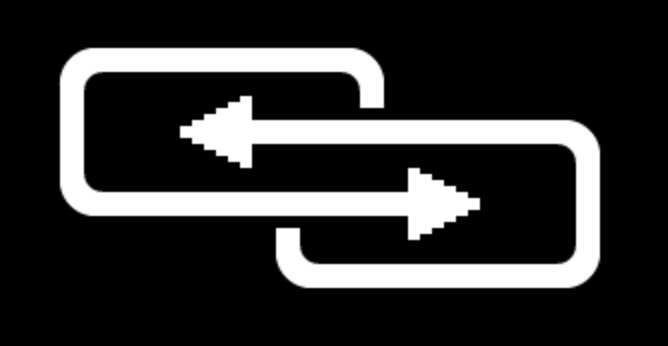
Fig. 8.2 The H9’s connection icon.