3. Quickstart
Register your H9
Download and install Eventide Control
Open Eventide Control and follow the prompts to register your H9 to your Eventide account.
If you do not have an Eventide account, you will be prompted to create one.
Get in tune!
Press and hold the Left and Right Footswitches together to access the tuner.
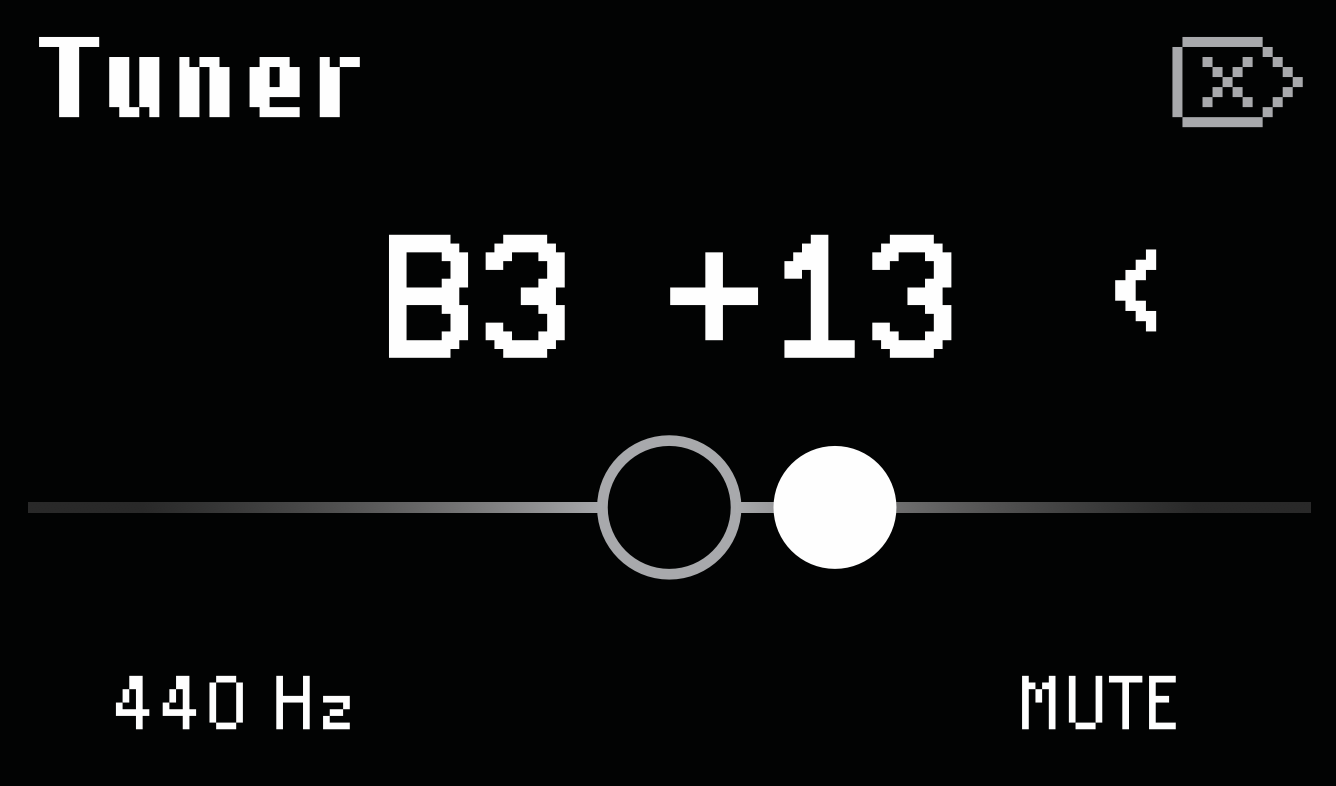
Fig. 3.1 Tuner display page
Turn Quick Knob 1 to change the tuning frequency in one-Hz increments.
Turn Quick Knob 3 to change from Mute to Thru.
Note that the tuner is not accessible in Perform Mode.