7. Tempo Menu
Press and hold the Presets and Parameters Buttons simultaneously to enter the Tempo Menu. Press the Big Knob, or any of the Edit Mode buttons to exit.
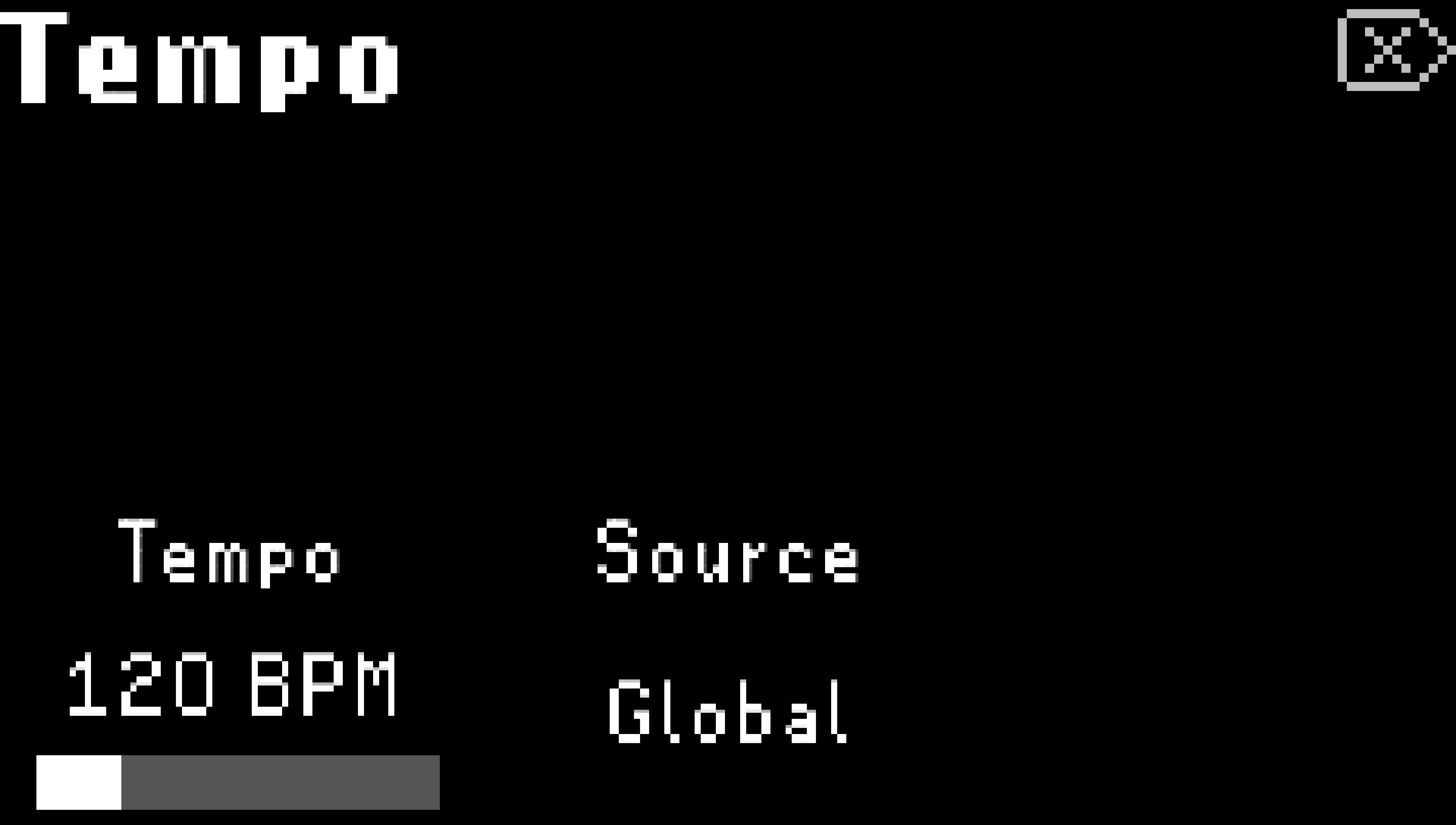
Fig. 7.1 The Tempo Menu.
- Tempo BPM:
The H9’s internal tempo can be adjusted from 20 BPM to 500 BPM.
Tap the Left Footswitch or turn Quick Knob 1 to adjust the Beats Per Minute value.
Tip
If MIDI transmit is turned on, you can sync other MIDI devices to the H9’s internal clock via the MIDI DIN output.
- Tempo Source:
Global: All Presets will subscribe to the Global BPM setting.
Preset: Presets will save and load with a user-specified BPM setting.
MIDI Clock: Tempo will be synced to MIDI clock from DIN or USB. Go to System Menu > MIDI to configure USB or DIN as the MIDI clock source.
Remember!
In Parameters Edit Mode, press the Presets and Parameters Buttons simultaneously to toggle Tempo Sync on/off for a Preset.
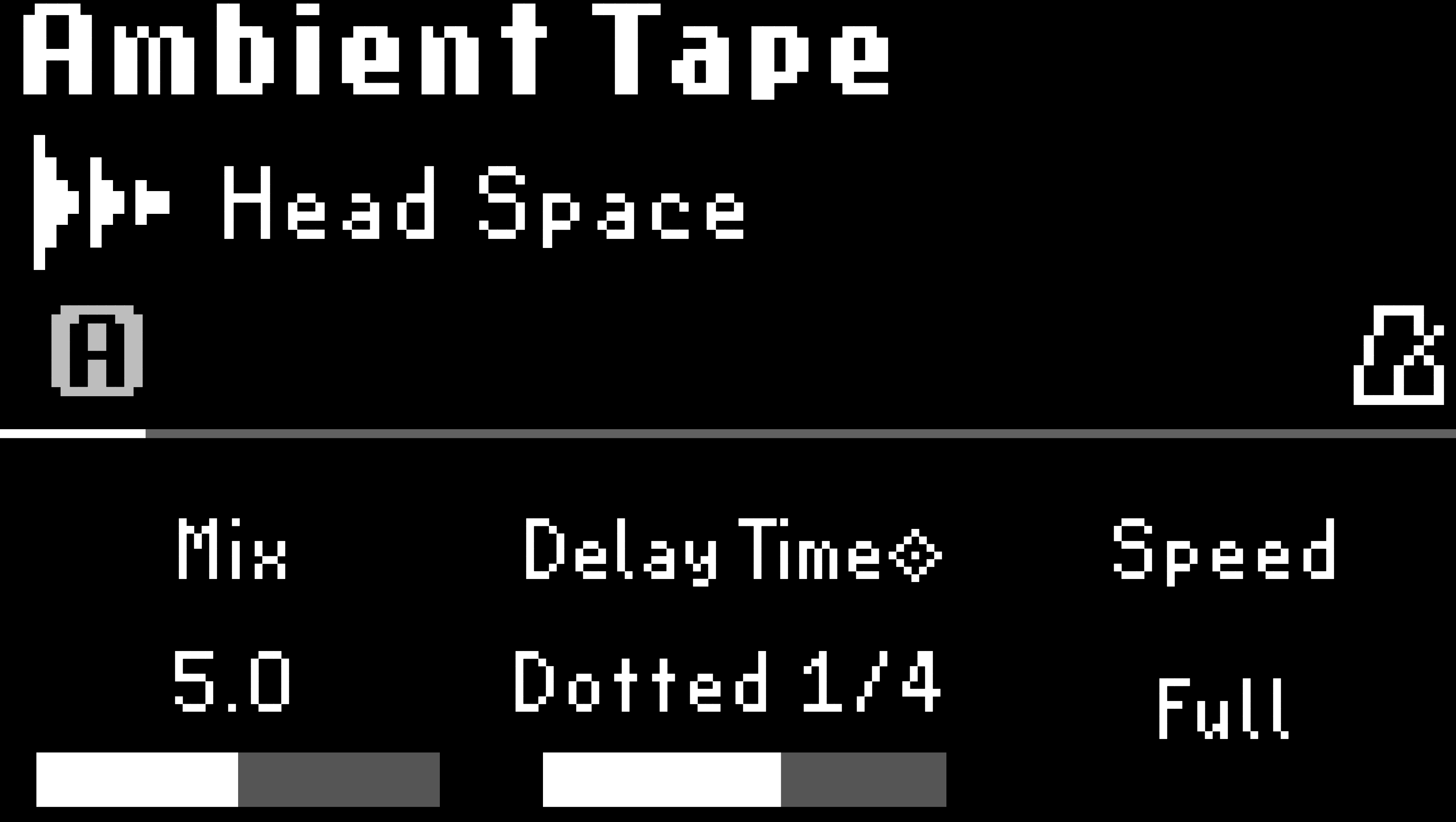
Fig. 7.2 A metronome icon will indicate that Tempo Sync has been enabled.