9.3. MIDI
Configure global MIDI settings for your H9. These controls will be enabled regardless of the current Program loaded.
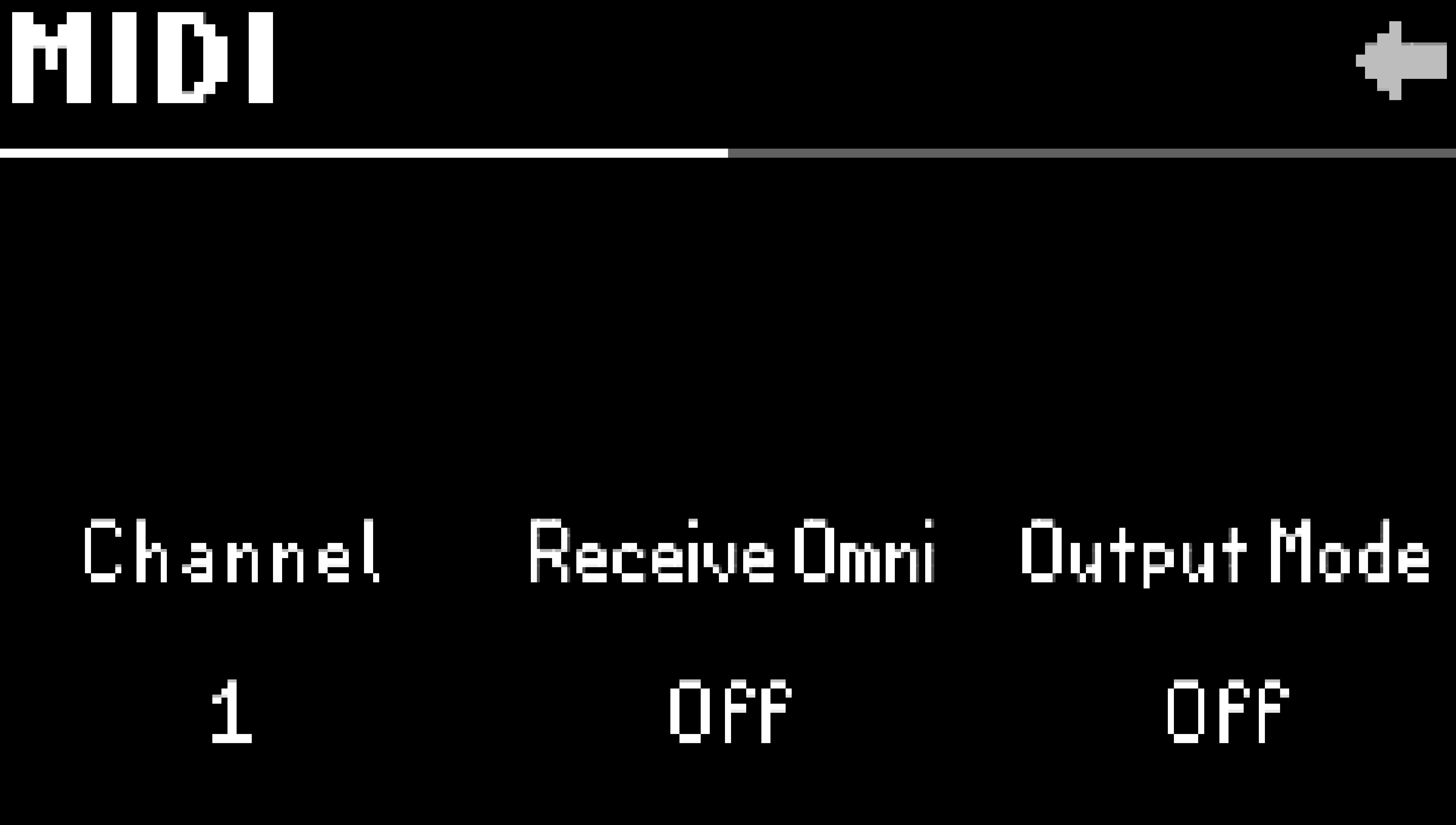
Fig. 9.9 MIDI menu page 1.
- Channel:
Select the MIDI channel (1-16) on which the H9 receives and transmits.
- Receive Omni:
Turn this on if you’d like the H9 to receive MIDI from all channels simultaneously. This setting overrides the receive channel, but the H9 will still transmit on the configured channel.
- Output Mode:
Off: No MIDI information will be transmitted to the MIDI output.
Transmit: H9 will transmit Program Change, CC, and MIDI Clock information from the DIN MIDI output. MIDI will not be passed thru from the DIN MIDI input.
Thru: MIDI information from the DIN MIDI input will be sent to the DIN MIDI output. H9 will not transmit MIDI information.
- Clock Source:
Configure the H9 to use the DIN or USB input as the MIDI clock source. Set Tempo Source to MIDI in the Tempo Menu to sync the H9 to this clock source.
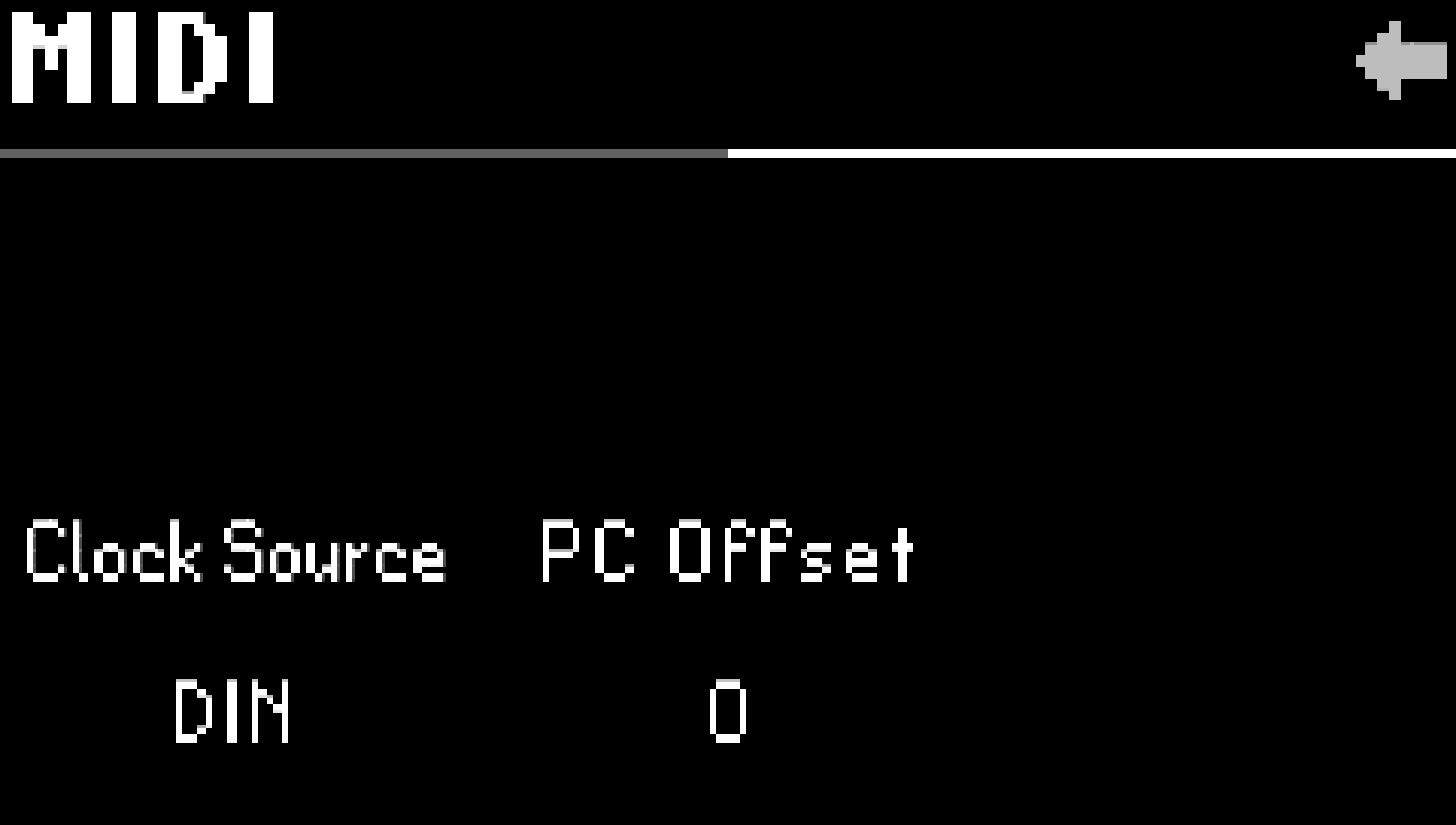
Fig. 9.10 MIDI menu page 2.
- PC Offset:
By default, the H9 will transmit and receive Program Changes using PC numbers 1-100. Enabling a PC Offset on the H9 will make it transmit and receive Program Changes using PC numbers 0-99. When using other MIDI devices that use PC numbers starting at 0, set PC Offset to 1 so the PC numbers match on all of your devices.
- Global Control:
MIDI Global Control allows you to define MIDI control messages that will always affect the H9, regardless of which Preset is loaded. For example, if you always want CC #5 on your MIDI controller to control Quick Knob 1, you can configure this using the MIDI Global Controls.
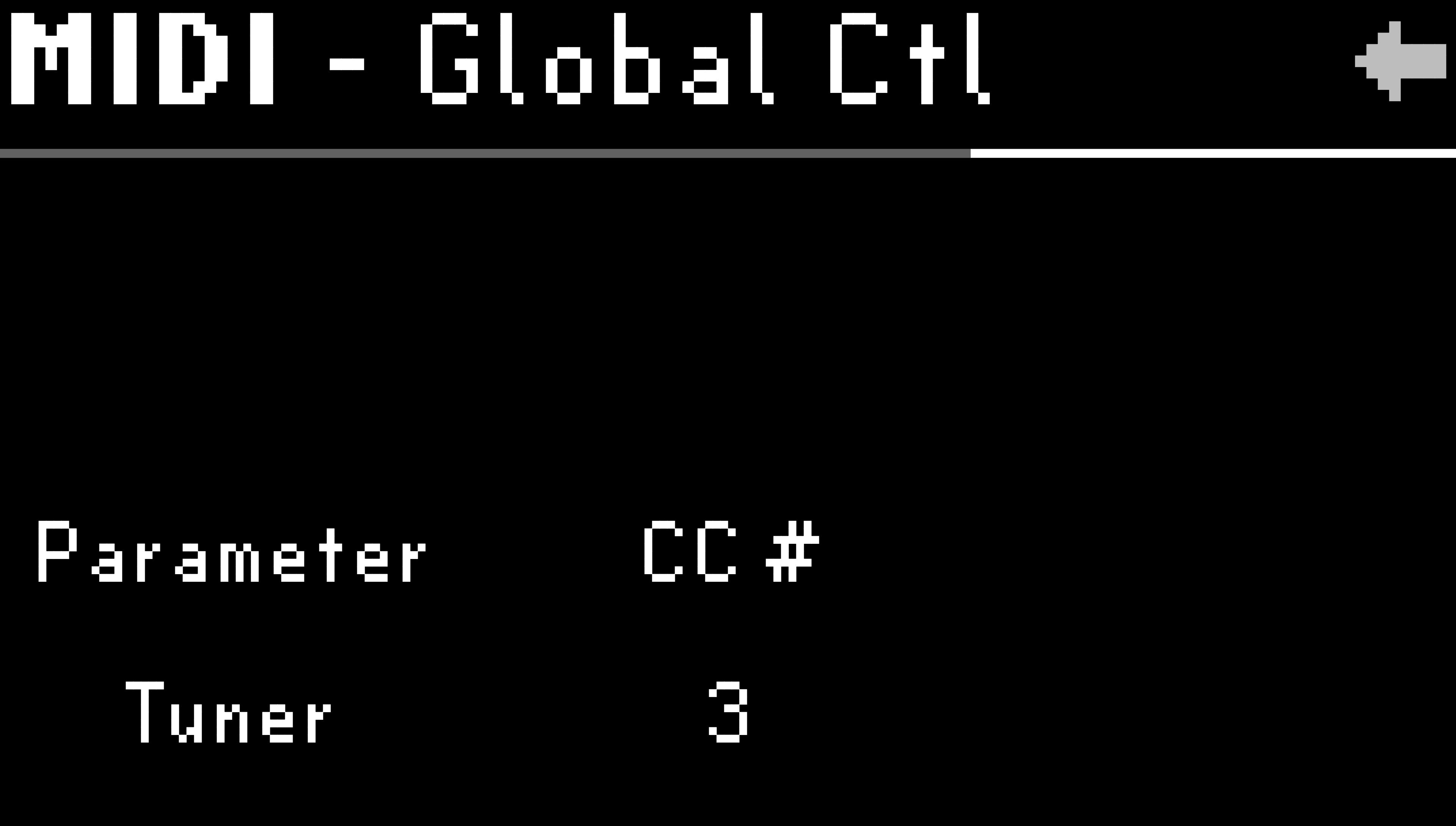
Fig. 9.11 MIDI CC #3 is assigned to Tuner.
Parameter: Use Quick Knob 1 to select a parameter.
CC #: Use Quick Knob 2 to select a CC # to control the currently selected parameter.
Note
Check out the Global Mapping Chart for a full list of available mappings.