9.1. Global
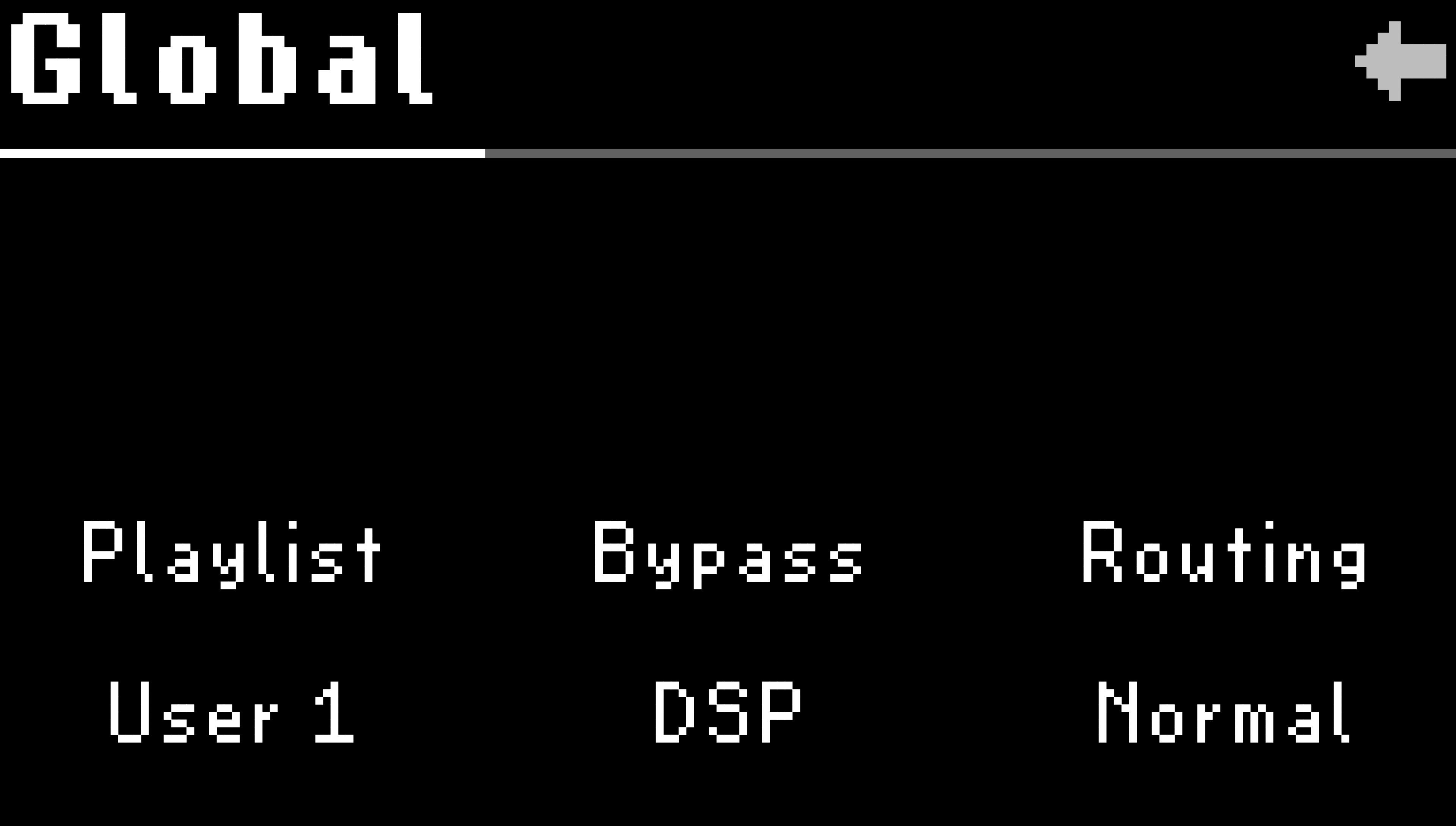
Fig. 9.2 Page 1 of the Global settings.
- Playlist:
Turn Quick Knob 1 to select a User List to access in Select Mode.
Note
Only User Lists can be designated as the Playlist, and there can only be one active Playlist. Factory Lists cannot be the Playlist, but they are searchable in Presets Edit Mode.
- Bypass Mode:
Turn Quick Knob 2 to select the Bypass Mode. This determines the signal path when the H9 is bypassed.
DSP: Keeps signal running through the DSP. Allows bypass tails.
Relay: Directly connects inputs to outputs with physical relay switches. Disables bypass tails.
- Routing:
Turn Quick Knob 3 to select the Global Routing Configuration.
Check your I/O connections!
Audio will be muted and you will be prompted to confirm the routing selection by pressing Quick Knob 3. Press the Big Knob to cancel the selection.
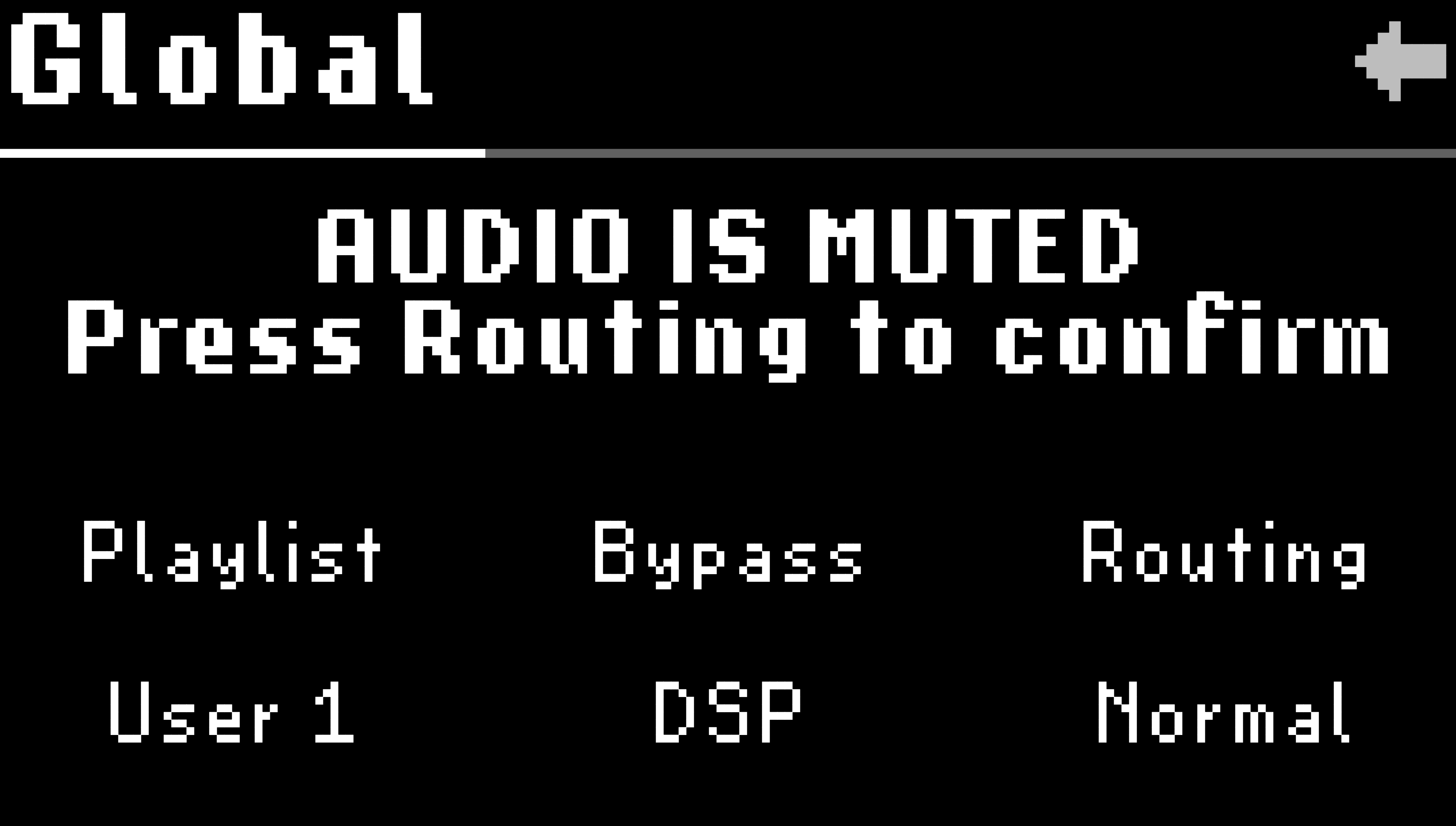
Fig. 9.3 Double-check your I/O connections before selecting the Global Routing Configuration.
The H9 contains three Global Routing Configurations:
Normal: A mono or stereo input is sent to the H9’s effects processor and out of the mono or stereo outputs, depending on the physical connections. Normal is the default routing mode.
Pre/Post: Allows you to change where the H9 sits in your signal path on a preset by preset basis.
Pre: Input 1 will be routed through the effects processor to Output 1, while Input 2 is passed through unchanged to Output 2.
Post: Input 2 will be routed through the effects processor to Output 2, while Input 1 is passed through unchanged to Output 1.
See the Pre/Post Quickstart Guide for setup tips.
Wet/Dry: Allow you to split the output signal into two mono paths; a Dry, unprocessed path, and a Wet, processed path.
Normal: A mono or stereo input is sent to the H9’s effects processor and out of the mono or stereo outputs, depending on the physical connections (this is the same behavior as Normal mode).
Wet 1 / Dry 2: The wet signal from the effects processor is routed to output 1, the dry signal is routed to output 2. Stereo inputs are summed.
Wet 2 / Dry 1: The wet signal from the effects processor is routed to output 2, the dry signal is routed to output 1. Stereo inputs are summed.
See the Wet/Dry Quickstart Guide for setup tips.
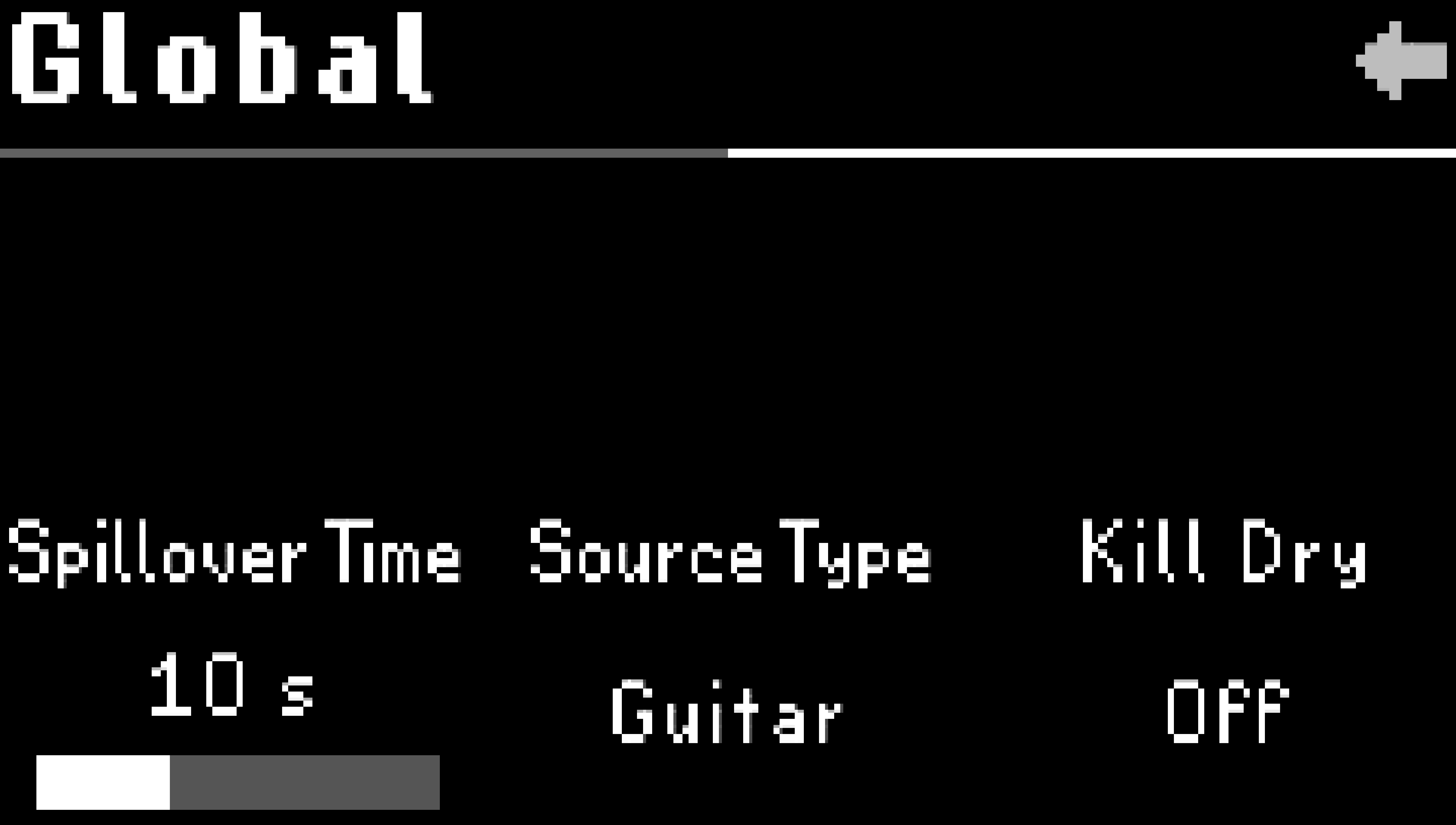
Fig. 9.4 Page 2 of the Global settings.
- Spillover Time:
Turn Quick Knob 1 to adjust the Spillover Time. This determines how long the previous Preset’s tails will be heard after loading a new Preset. Configurable from 0 to 30 seconds.
- Source Type:
Turn Quick Knob 2 to select the Source Type. This determines how the pitch tracking, filters, and tone controls will respond to the audio source. While the source names suggest specific instruments, these can also be thought of as the sonic range of your audio source.
Lead (Soprano)
Guitar (Alto)
Bass (Tenor)
Sub (Bass)
- Kill Dry:
Turn Quick Knob 3 to select the Global Kill Dry setting. Kill Dry removes the dry signal from the output path and allows the Preset’s mix parameter to functions as an effects level control. This is useful in Wet/Dry or Pre/Post setups, or when using the H9 as an effects send with a DAW or mixing console.
Turn Global Kill Dry On or Off and your Presets will automatically reflect this setting when the Preset Kill Dry parameter is set to Global.
- Pedal Control:
Global Pedal Control allows you to define external controllers such as aux switches and expression pedals that will always affect the H9, regardless of what Preset is loaded. For example, if you’d like Aux Switch 1 to always perform the Load action, you can configure this using the Global Pedal Control.
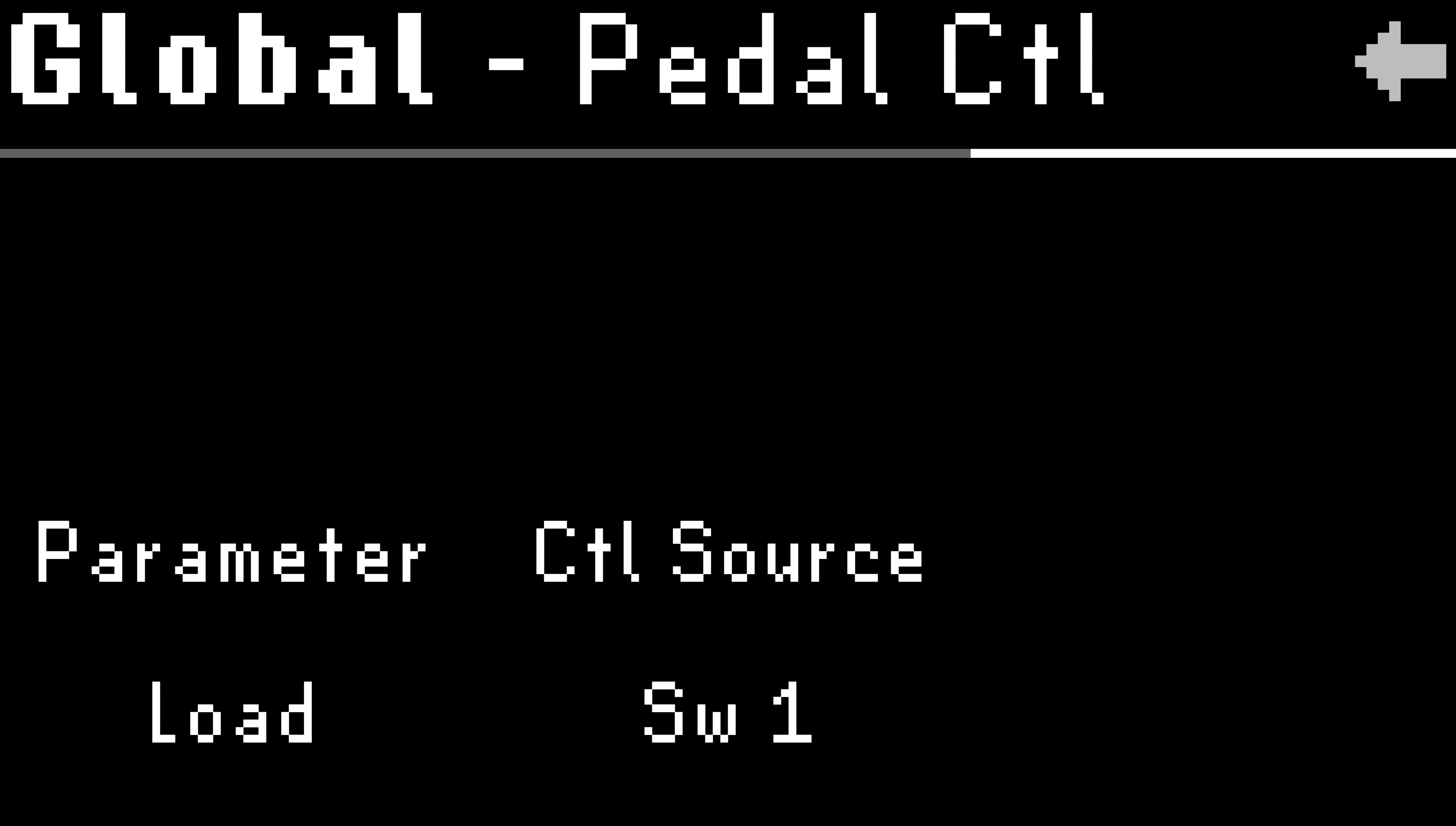
Fig. 9.5 Footswitch 1 is assigned to Load.
Parameter: Turn Quick Knob 1 to select a parameter.
Control Source: Turn Quick Knob 2 to select the control source for the selected parameter.
Note
Check out the Global Mapping Chart for a full list of available mappings.