6.1. Presets
Press the Presets Button to enter Presets Edit Mode.
Presets Edit Mode allows you to quickly audition the various Presets in the H9’s Preset Library.
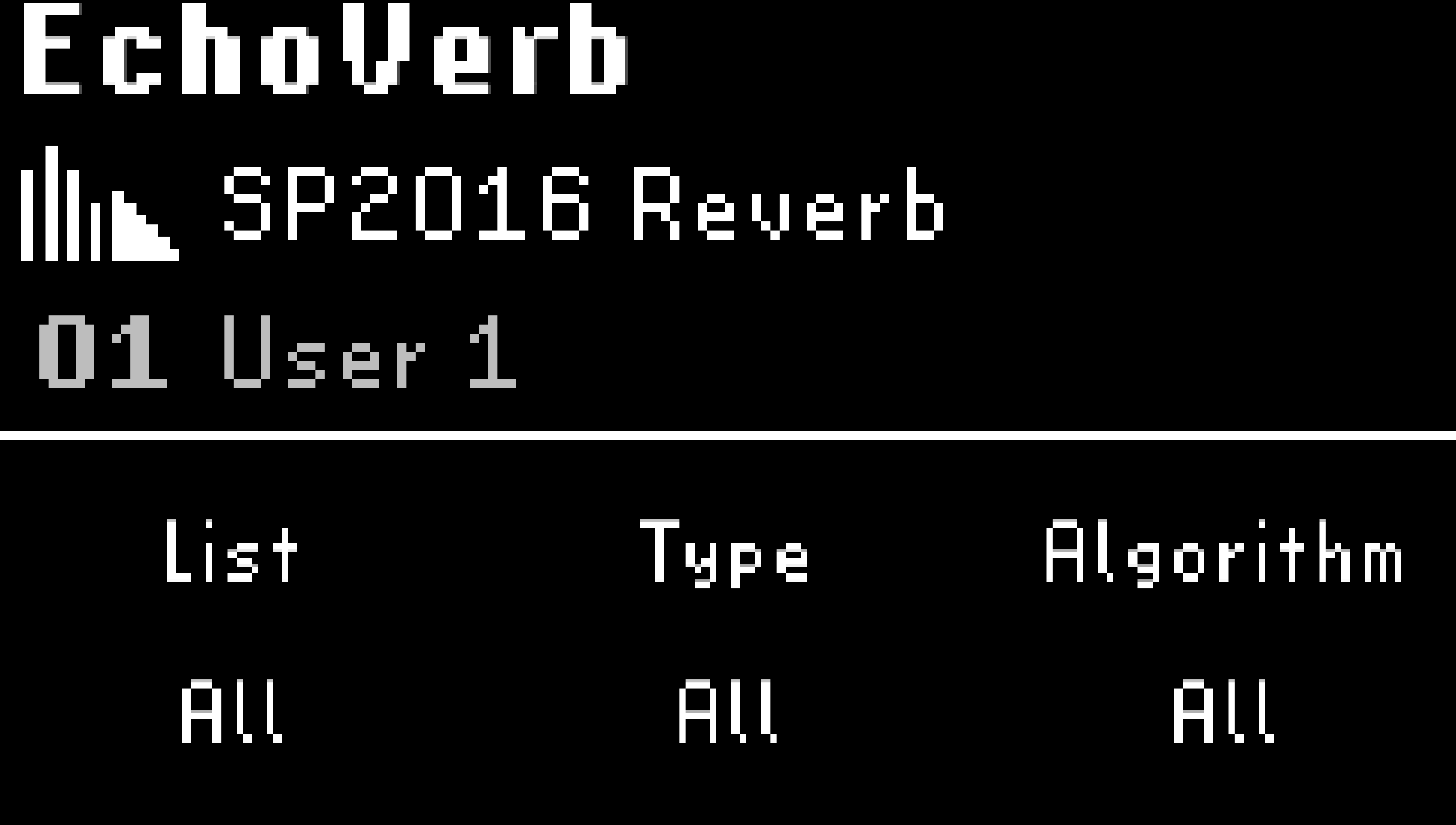
Fig. 6.1 Preset Edit Mode displaying the first preset from the User 1 list.
Use the three Quick Knobs to filter the Preset selection:
List: Turn Quick Knob 1 to select a List. This includes Factory Lists, User Lists, and the Preset Library. The List filter also narrows down the other two Quick Knobs’ filters.
Effect Type: Turn Quick Knob 2 to select an Effect Type. The Effect Type filter also narrows down what Algorithms are available.
Algorthim: Turn Quick Knob 3 to select an Algorithm.
Turn the Big Knob to scroll through the filtered selection.
The filtered selection will auto-load a Preset. The original Preset will remain in the current List location until you save the Preset.
Press the Left LED Button to toggle the active/bypass state of the Preset.
Press the Big Knob, or any of the edit mode buttons to exit Presets edit mode.
Note
Factory Presets that are not saved to any lists are located in the Preset Library. Use the Library filter to search for all Presets saved to the pedal.
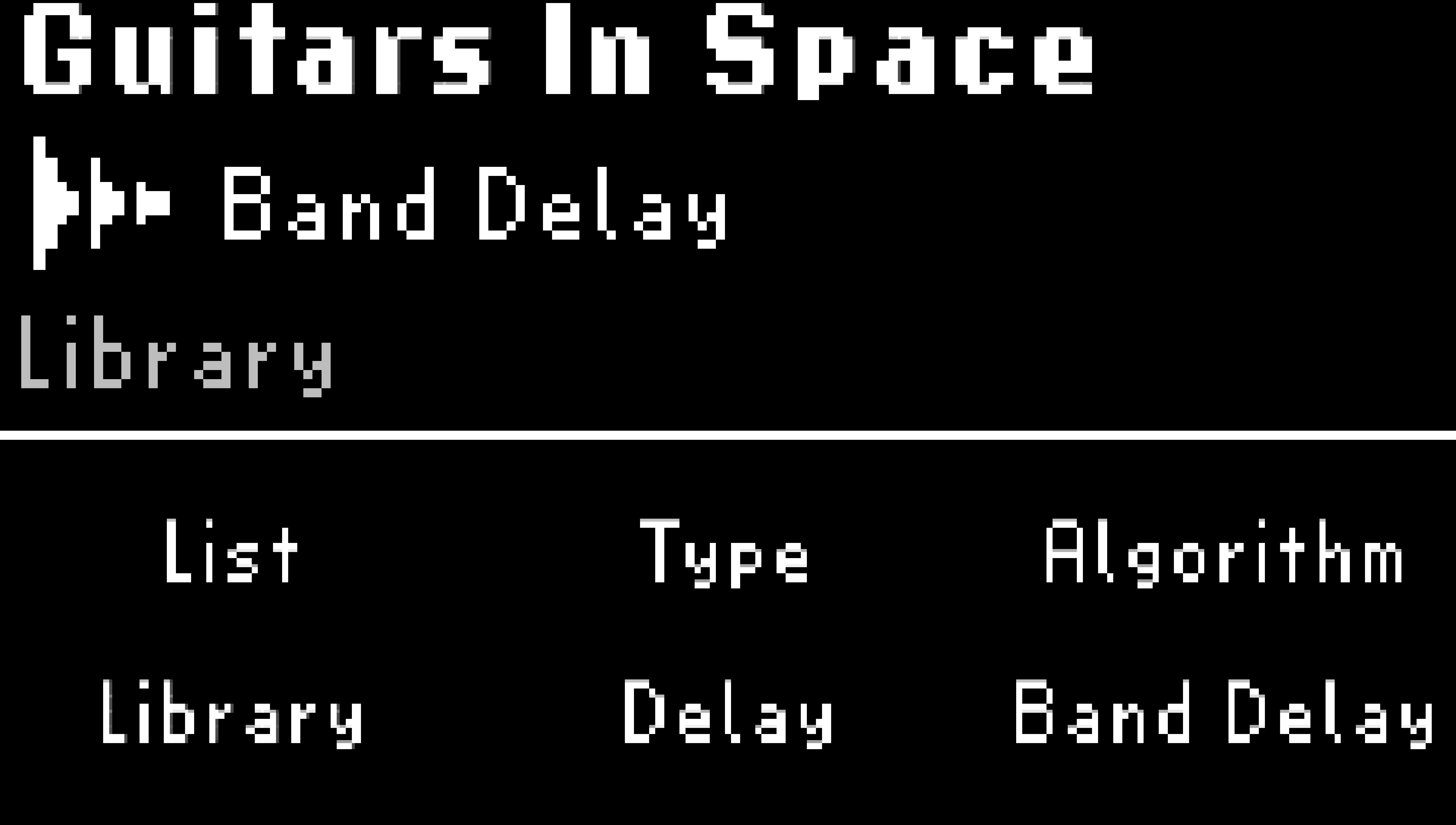
Fig. 6.2 The Library filter will show all the Factory Presets on the H9.
6.1.1. Saving Presets
Press and hold the Presets Button to save a Preset.
Tip
The Presets saving menu can be accessed from any Play or Edit mode.
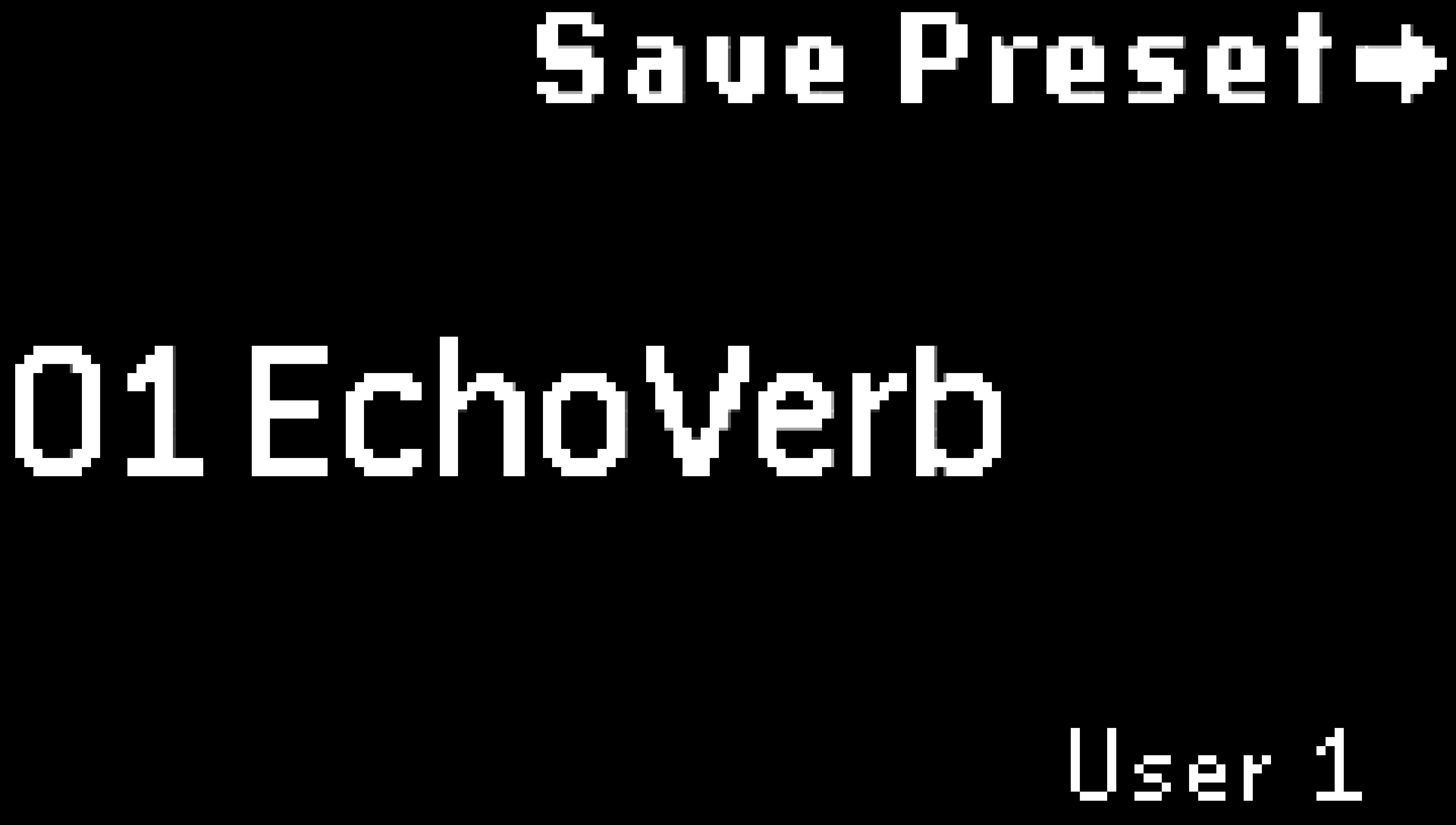
Fig. 6.3 Preset save display.
Turn Quick Knob 3 to select which List to save your Preset to. This defaults to the currently active Playlist. Note that Presets cannot be saved to Factory Lists.
Turn the Big Knob to select a slot number to save to. This defaults to the currently loaded slot. There are 99 slots per List.
Once you’ve selected a List and slot number, press the Big Knob to rename the Preset.
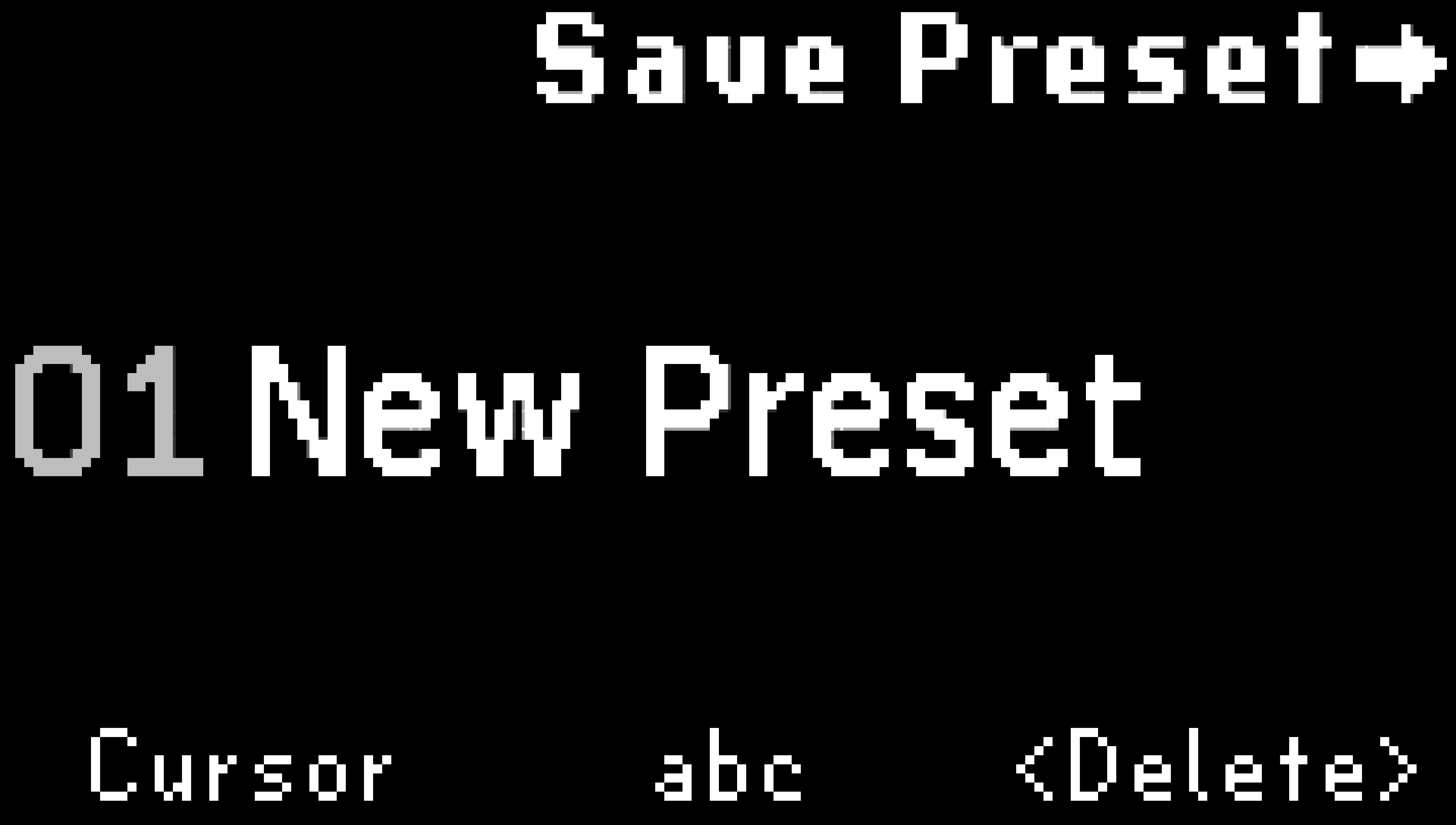
Fig. 6.4 Use the Quick Knobs to name your Preset.
Turn Quick Knob 1 to move the cursor. Press Quick Knob 1 to advance the cursor by one character.
Turn the Big Knob or Quick Knob 2 to select a character. Press Quick Knob 2 to cycle the character set through lowercase, uppercase, numbers, and symbols.
Press Quick Knob 3 to delete a character.
Press the Big Knob to save your Preset to the selected List location.
Press any Footswitch or Edit Mode button to cancel.