5.1. Select Mode
Press the Big Knob or Select Button to enter Select Mode.
Select Mode allows you to cue up and load Presets from your Playlist, which is configured in the System Menu’s Global page.
Select Mode has two views: Preset Select, and Bank Select. Press and hold the Big Knob or Select button to toggle between the two.
5.1.1. Preset Select
Preset Select Mode displays one Preset at a time. The Preset’s name and the algorithm which it came from will be displayed while scrolling through the Playlist.
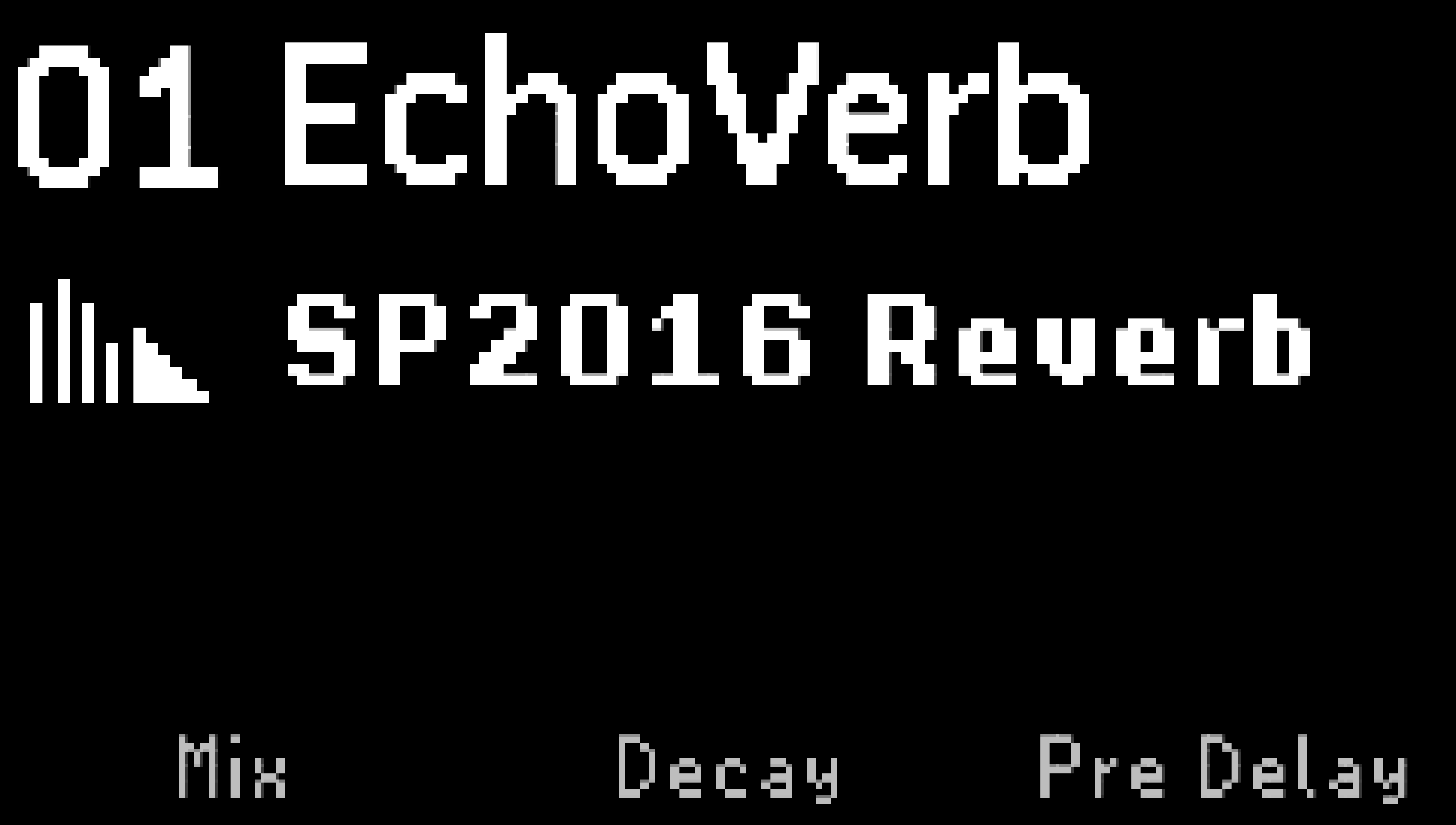
Fig. 5.1 Preset Select display.
Turn the Big Knob or press the Right Footswitch to scroll through the Playlist.
The Active LED and the Preset Number will blink until the selection is confirmed.
Press the Left Footswitch, or the Big Knob, to load the highlighted Preset.
Press the Left Footswitch to toggle the active/bypass state of the Preset. The left LED will illuminate Green when the Preset is active, or off when the Preset is bypassed.
When using the Big Knob to scroll through the playlist, the highlight will revert after a few seconds if the Left Footswitch or the Big Knob are not pressed.
Press the Right LED button or press and hold the Right Footswitch to change the scroll direction. The Right LED will be Red when incrementing, or Blue when decrementing.
5.1.2. Bank Select
Bank Select Mode displays two Presets at a time by dividing the Playlist of 99 Presets into 50 banks of two Presets each.
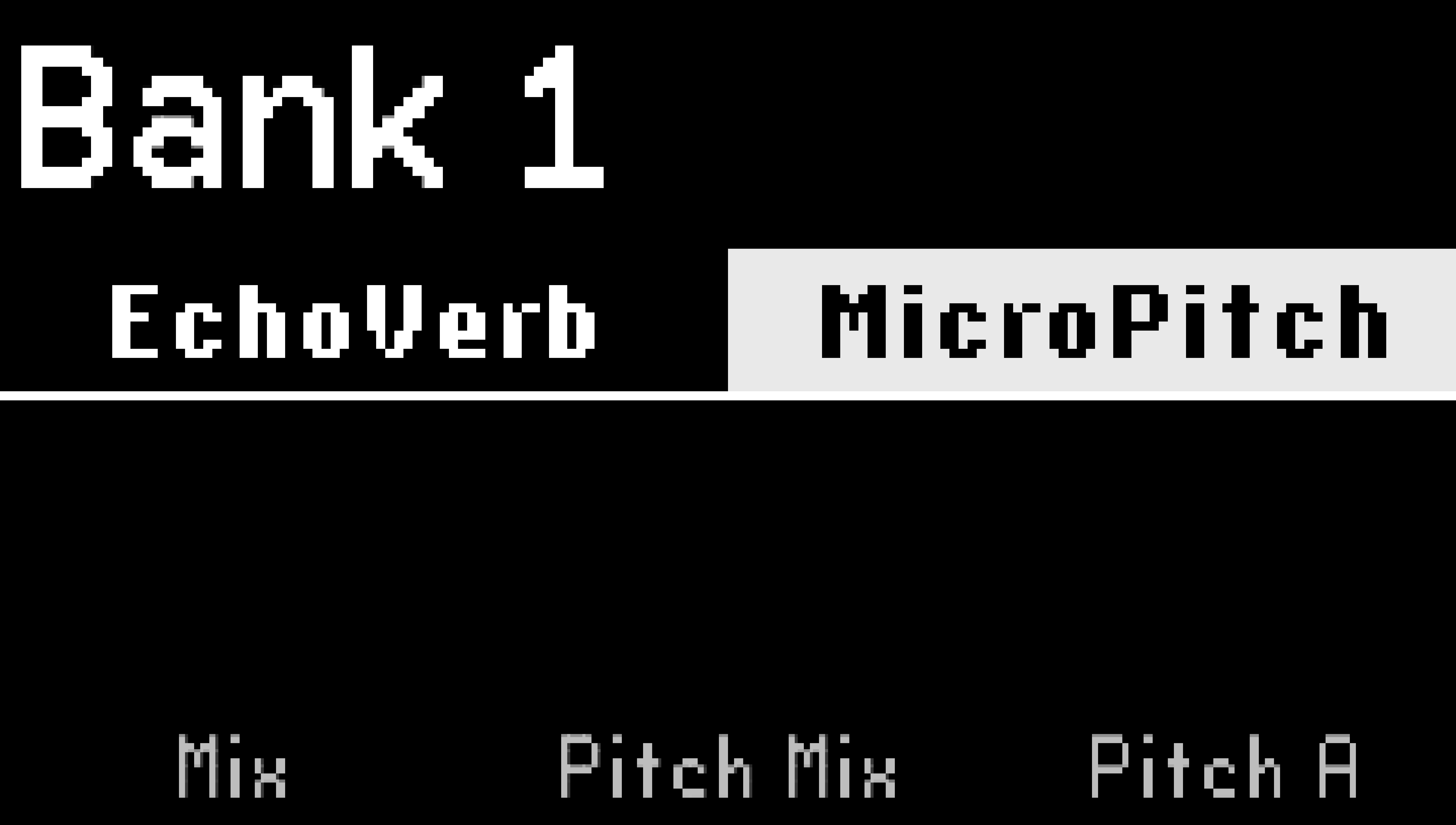
Fig. 5.2 Bank Select display.
Turn the Big Knob, or press and hold either Footswitch to scroll through the banks.
Press either Footswitch to load one of the two Presets in the selected bank. The LED above that Footswitch will illuminate Green to indicate that the Preset is active.
Press the Footswitch of the loaded Preset to toggle the active/bypass state.
Press the LED button of the Bank’s unloaded Preset to preview that Preset.
Tip
Configure an aux switch or MIDI controller to perform the Bank Up or Down functions using the Global Control settings. This allows you to use the onboard Footswitches to activate your Presets, while an additional controller scrolls through the Preset banks.