5.3. Quick Knobs
Quick Knobs allow you to adjust a selection of the Preset’s parameters without needing to dive deeper into Presets Edit Mode.
All of the Presets in the User 1 list have curated Quick Knobs mappings for the most useful parameters. For example, load a Distortion Preset, and you’ll find Quick Knobs assignments for Drive or Tone. Load a Harmonizer Preset, and you’ll find Quick Knobs assignments for Key and Scale.
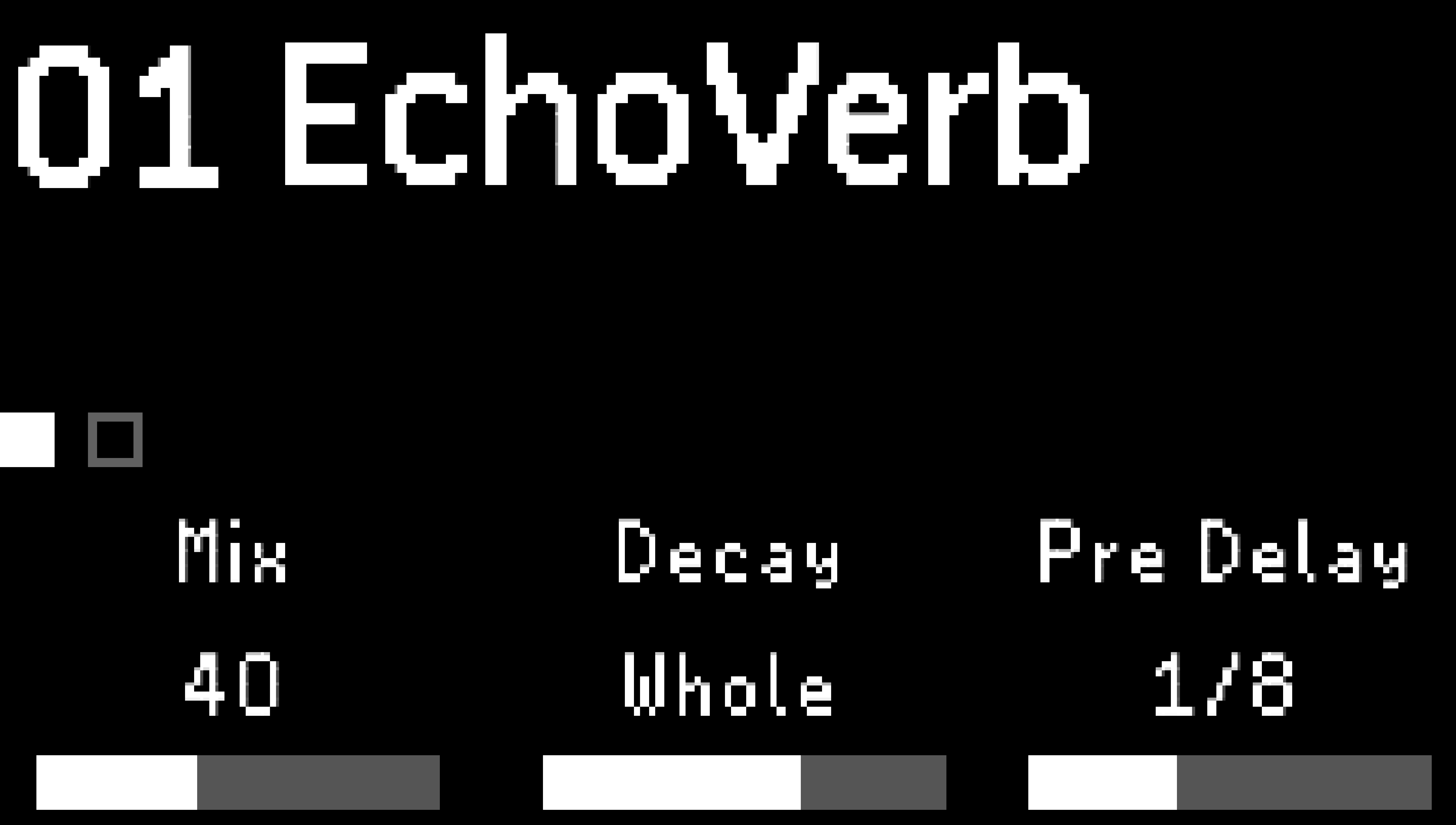
Fig. 5.6 Mix, Decay, and Pre Delay are assigned to the Quick Knobs.
5.3.1. Quick Knob Assignments
Configure the Quick Knobs to use any combinatination of parameters within the Preset. There are two pages of Quick Knob assignments, giving you a total of six customizable Quick Knobs.
Press and hold any Quick Knob to enter the Quick Knob assignment menu.
Turn the associated Quick Knob to select a parameter to assign.
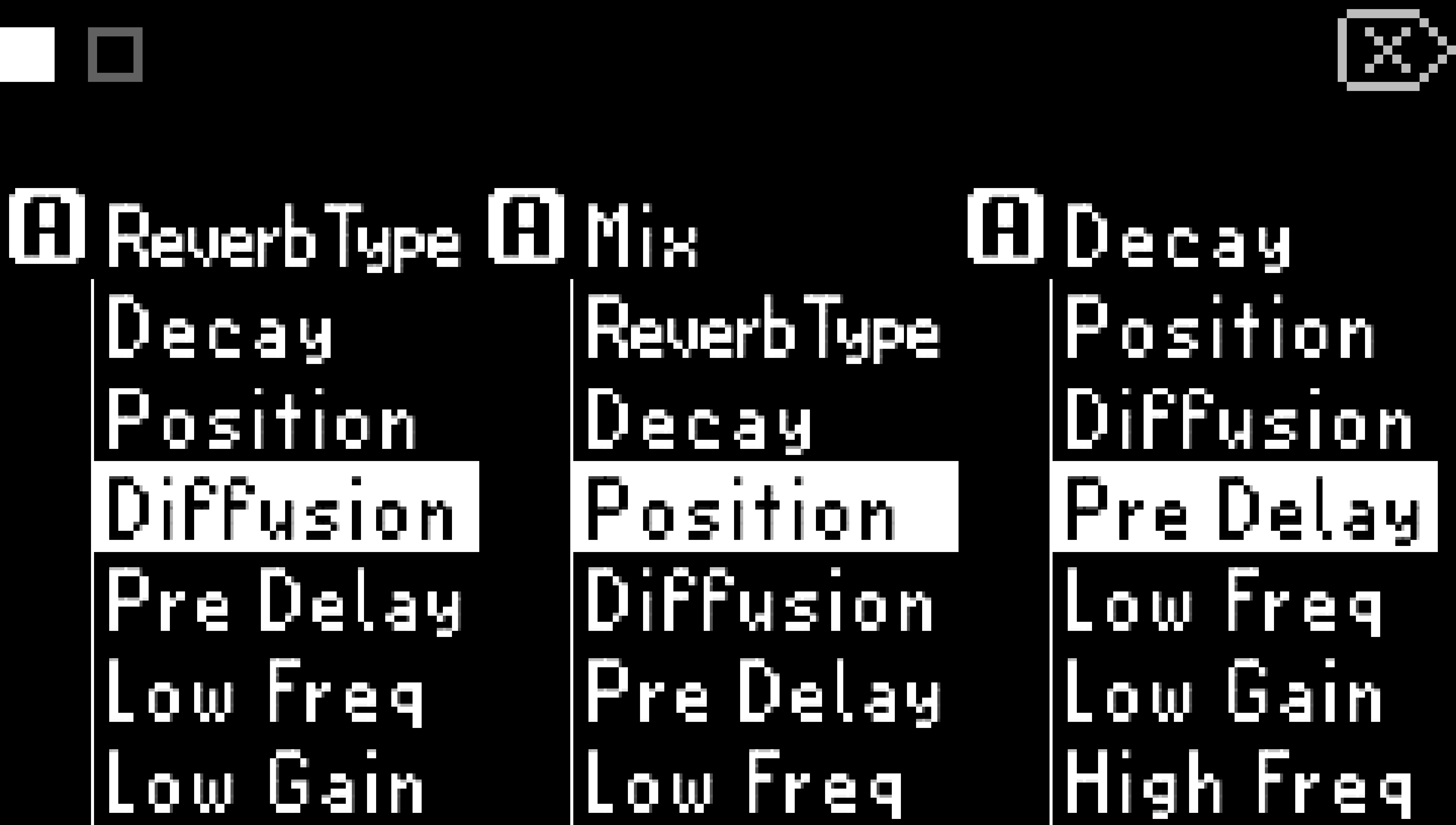
Fig. 5.7 Page 1 of the Quick Knob assignment menu.
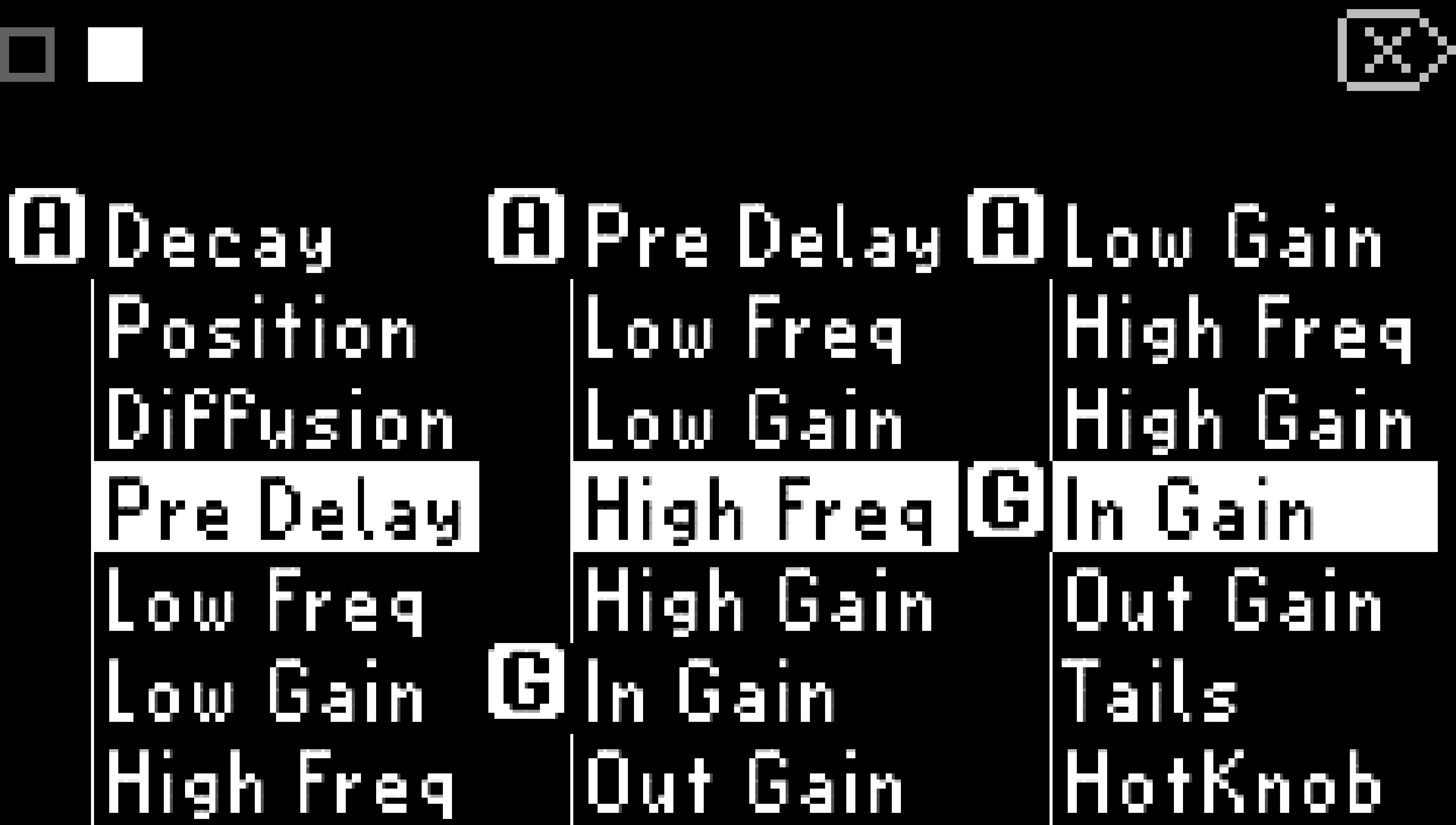
Fig. 5.8 Page 2 of the Quick Knob assignment menu; press any Quick Knob to toggle pages.
The letter G indicates General parameters, while the letter A indicates Algorithm parameters.
Press any Quick Knob to toggle the Quick Knob pages.
Press the Big Knob or any edit mode button to exit the Quick Knob Mapping menu.
Tip
New Quick Knob mappings will not be saved until you have saved your preset.