3.1. Simple Guitar Setup
It’s best to start simple.
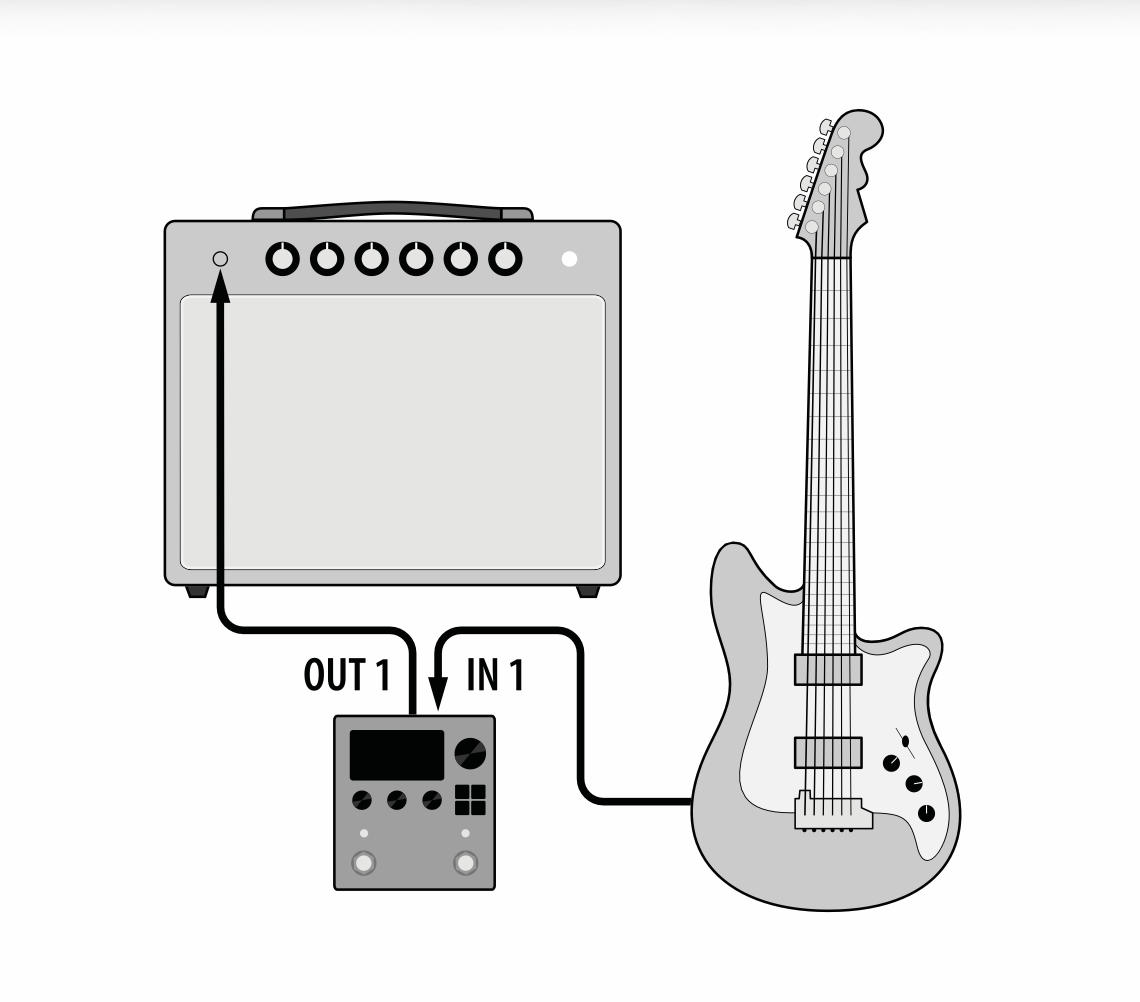
Fig. 3.2 A simple mono guitar configuration.
Connect your guitar to H9 Input 1.
Connect H9 Output 1 to your guitar amp.
By default, the H9’s input and outputs will be set to instrument level. Change this in the System Menu if using line level devices.
Use Select Mode to explore the User 1 Playlist.
Auditioning Presets
The default Playlist (User 1) is a selection of Presets that we have curated from the Preset Library. To explore this List, press the Select button to enter Select Mode. Turn the Big Knob to navigate the Playlist, and press it to load a new Preset. To search through all the Presets on the H9, press the Presets Button to enter Presets Edit Mode.